Turn Every Photo into Playful Cartoons with 1bit AI Cartoon Generator
Have you ever wondered how your selfie, pet snap, or family portrait would look as a Saturday-morning cartoon? Stop wondering—start cartoonifying. With the brand-new 1bit AI Cartoon Generator you can convert any picture into a vivid, high-resolution cartoon in under 5 seconds, no drawing skills (or credit card) required.
What you can cartoonify in seconds
- Portraits & selfies – become the star of your own comic
- Pet photos – give your cat that Disney-eye treatment
- Group shots – turn reunions into collectible cast posters
- Landscapes & food – make travel albums pop with Studio-Ghibli colors
- Kids’ drawings – upgrade fridge-door art to animation-keyframe level
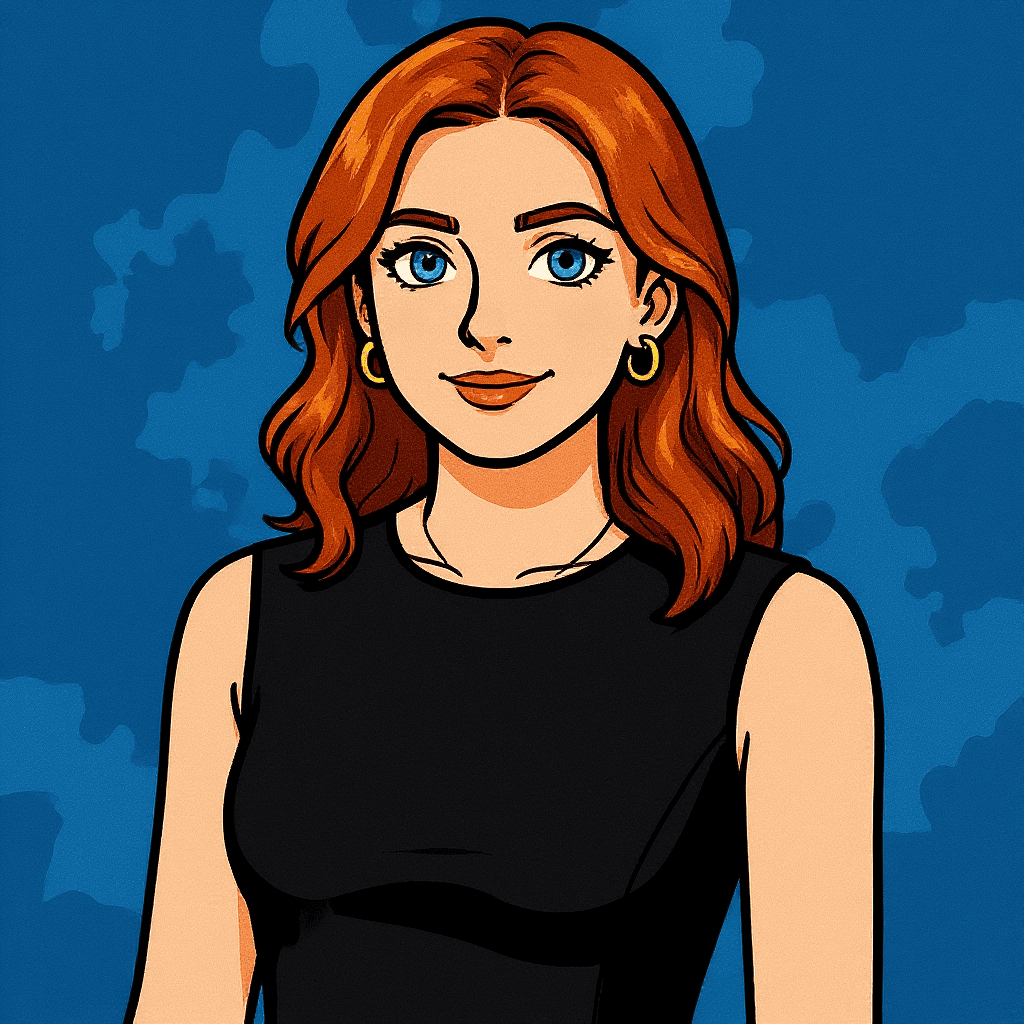
See it first: live demo
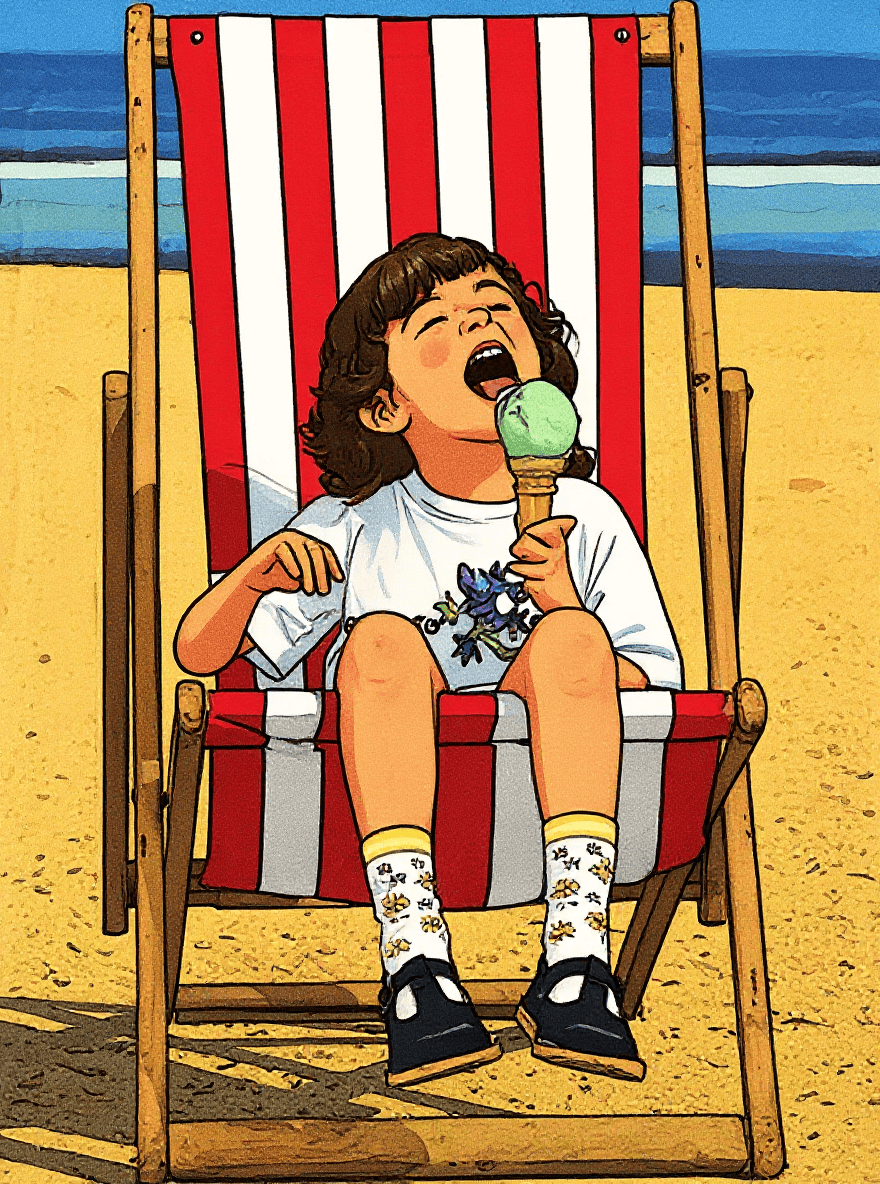
Above: original photo (left) vs. one-click 1bit AI cartoon (right). No re-touching, no filter stacking—pure generative magic.
Why 1bit AI Cartoon Generator shines
- 100 % online – works on phone, tablet, or laptop browser
- Zero learning curve – upload, pick a style, hit “Create”
- Commercial-safe output – perfect for social posts, ads, merch, or class materials
- Unlimited free starts – daily quota lets you test as much as you like
- No watermark – download PNG/JPG in printable 2048 px
Quick start guide
- Visit https://www.1bit.ai/services/ai-cartoon-generator
- Drop in any JPG/PNG (≤ 20 MB)
- Click “Cartoonify” – wait 3 seconds
- Download or open in the 1bit editor to add text, stickers, or backgrounds
Pro tips for jaw-dropping cartoons
- Use well-lit, high-contrast photos for crisp outlines
- Close-up faces render fastest and preserve your likeness
- Experiment with the “Intensity” slider (subtle vs. full Pixar)
- Generate 8 variants at once by adding “batch=8” in the advanced box, then pick your favorite
Creative ways to use your new cartoons
- Social avatars – stand out on Twitter, Discord, or LinkedIn
- Birthday invites – feature the birthday kid as the hero character
- T-shirt prints – sell merch without hiring an illustrator
- Presentation slides – turn team headshots into fun intro cards
- Wall art – canvas-print your pet cartoon for an instant smile
Ready to play?
Stop paying for over-complicated desktop apps or mobile subscriptions. Click below, upload one photo, and watch 1bit AI hand-draw your personal cartoon before you finish sipping your coffee.
👉 Cartoonify my photo now – free
Unleash the toon in you—with 1bit AI.